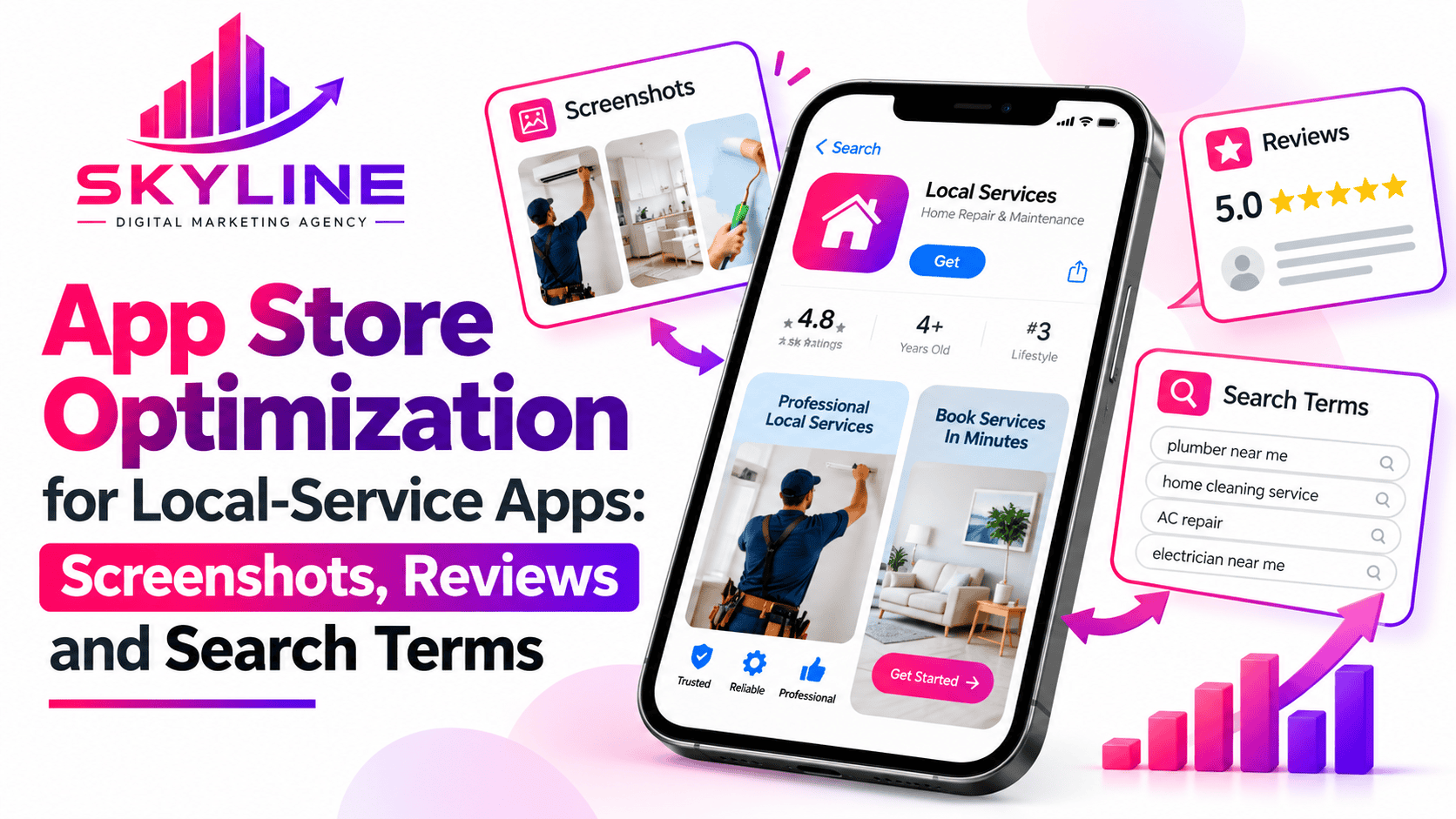
App Store Optimization refers to a process of making your mobile app more visible and more attractive inside an app store so that people naturally find and download it. Local services should design an eye-catching icon, attractive screenshots, and simple, clear descriptions so that when people click on your page, they actually hit the Install button. Use the exact words, titles, and tags that your target audience types into a search bar so your app ranks at the top of the results.
Using a smart app store optimization local app plan helps small, nearby businesses beat big national companies by showing up first when local people need urgent help. In this blog, you will understand the 3 fundamental pillars that make a successful local app store optimization.
Screenshots
These are the previews of your app pictures, and they have to look great and be easy to understand. When local people see clear pictures that show exactly what your app is about, they will download right away.
High impact visual narratives
- These clear preview pictures tell a quick, exciting introduction about your app. They should have bold letters and bright images to show users exactly how the app solves their problems. By doing this, the pictures grab people’s attention immediately so they do not scroll away.
Casual browses
- These are people who just look around the app without the intention of buying anything. They often scroll through many different apps very quickly just to see what is available. Your job is to catch their eye and make them interested before they leave your page.
Good reviews with a 5-star rating
- They build trust and help your app show up fast when people search. You should always ask your clients for a rating soon after you finish the great service.
- Make sure your total rating is above four stars because most people will not download an app that has less than four stars.
Use reviews to learn.
- When replying to a bad review, it is better to use an encouraging message so that customers will see you have respect for them.
- Read and understand what customers write to see what they love and what parts of your app or service need to be fixed to ensure they keep using your services.
These are the exact words that people type into the app store when they are looking for a service. Use words such as digital marketing company near me in your app’s name; this helps local people find you easily when they search.
Choose the right words.
- You have to think about what normal people type on their phones when they need your help. Use those exact everyday phrases so your app shows up when they search.
Put keywords in your title.
- You have to put the main service word right next to your company name at the top of your page. This tells both the app store and your customers exactly what your app does immediately without scrolling too much.
Avoid repeating words
- The app store remembers each and every keyword you type, so writing a word once is enough. Saving space lets you add other useful search words instead of wasting room.
It is important to have these three pillars because they work together like a team to get you more customers. If you miss even one pillar, your app will struggle to succeed.
- Search terms bring more people to your app, and without the right keywords, your app might stay hidden, and local people can never come across it.
- Screenshots convince people to download it -when people come across your app, clear pictures show them that your service is fast, easy, and exactly what they need.
- Reviews prove that people can trust you: Local customers want to know you are safe and reliable, so good ratings give them the confidence to click download and book a service.
The bottom line is that in today’s era, mobile apps are the main way people find and book quick help like an SEO marketing company, emergency plumbing, or car repairs. You have to know that keywords help local customers find your app when they need quick help, while clear screenshots show them how easy it is to use so they download it. Good reviews show that your app is safe, which motivates customers to trust your services.
By working with Skyline Digital Marketing Agency, you will gain experience in boosting your local services and creating attractive websites, content writing and digital marketing strategies. Bear in mind that a strong app store optimization local app strategy helps nearby businesses show up first, look great, and win the trust of local customers.
FAQ’s
- What is the most vital aspect to put in local app screenshots?
You have to put the main services written in simple words so that people understand fast, and an attractive picture to invite more customers.
- What should I do to get more than a 5-star rating on my app?
Ask your customers for a rating right after you finish a great job for them. Do not ask them when they first open the app, but wait until they are happy with your service.
- Why do local apps need these 3 pillars?
They help your app gain a lot of customers; people notice it instantly, and it shows customers that they can trust it because of the ratings.
- How do I manage my app if I get ratings below 5?
You have to take a look at your services and change what you think is causing customers to dislike your services. Or ask them in the comment section; you’ll see what needs to be fixed.
- Do I have to change my search terms frequently?
No, because it takes time for an app to understand the new words, and changing keywords frequently confuses the app, and the app’s rank will drop